Mocha for Restaurants & cafés
Customer reviews for restaurants: your guests' voices on your own website
People deciding where to eat like to read what other guests experienced first. Mocha collects reviews through a QR code at the table, with consent and a name display you choose, and shows them on your website next to your Google reviews.
- Servers in Germany
- Consent with audit log
- No credit card needed
Sound familiar?
Many restaurants and cafés will recognise these situations.
There is no time during service to ask guests for a review. The moment between dessert and the bill gets lost in the rush, and once the table is cleared, nobody asks anymore.
When guests do review, it happens on Google or on a portal like Tripadvisor. Your own website shows none of it, so anyone reading your menu there sees not a single guest voice.
Many guests don't want their full name online. Their praise for the Sunday brunch stays a chat at the counter that nobody else hears.
How Mocha solves it
What changes with Mocha.
Consent before every review: each guest confirms it before sending, wording, version and time are stored and can be exported as a log. A personal link lets people withdraw their consent, and the review then disappears from your widgets.
Name display of your choice: pick full name, first name with initial, initials only or anonymous, and every guest can also hide their own name. With initials only or anonymous, no photo is ever shown.
Google and guests in one place: bring reviews from your Google Business Profile into Mocha and show them on your website next to the voices from your form, marked “via Google”. You don't retype anything.
QR code for table and counter: on a table stand, a sticker or a card in the bill folder, one scan leads straight to the form, right when the guest is paying anyway.
New reviews appear on their own: one line of code is enough, and your website then shows approved reviews automatically. Whether they appear right away or only after your review is up to you.
What this can look like
Sunday brunch on the terrace
A café with a terrace, Sunday brunch, every table taken. The team has no free hand to ask guests for a review. A small card with a QR code sits in the bill folder. One guest pays, scans the code and writes two sentences about the scrambled eggs. They confirm their consent, and because the café shows names in short form only, they appear as “Anna K.”. On Monday the owner approves the review. It now sits on the website's review page, next to the Google reviews the café brought over from its profile.
An example for illustration, not a customer case.
Widgets that suit you
One line of code, and approved reviews appear on your website.
Star badge
The star badge needs just one line and sits well in the header of your home page, right above photos and opening hours.
See the widgetReview wall
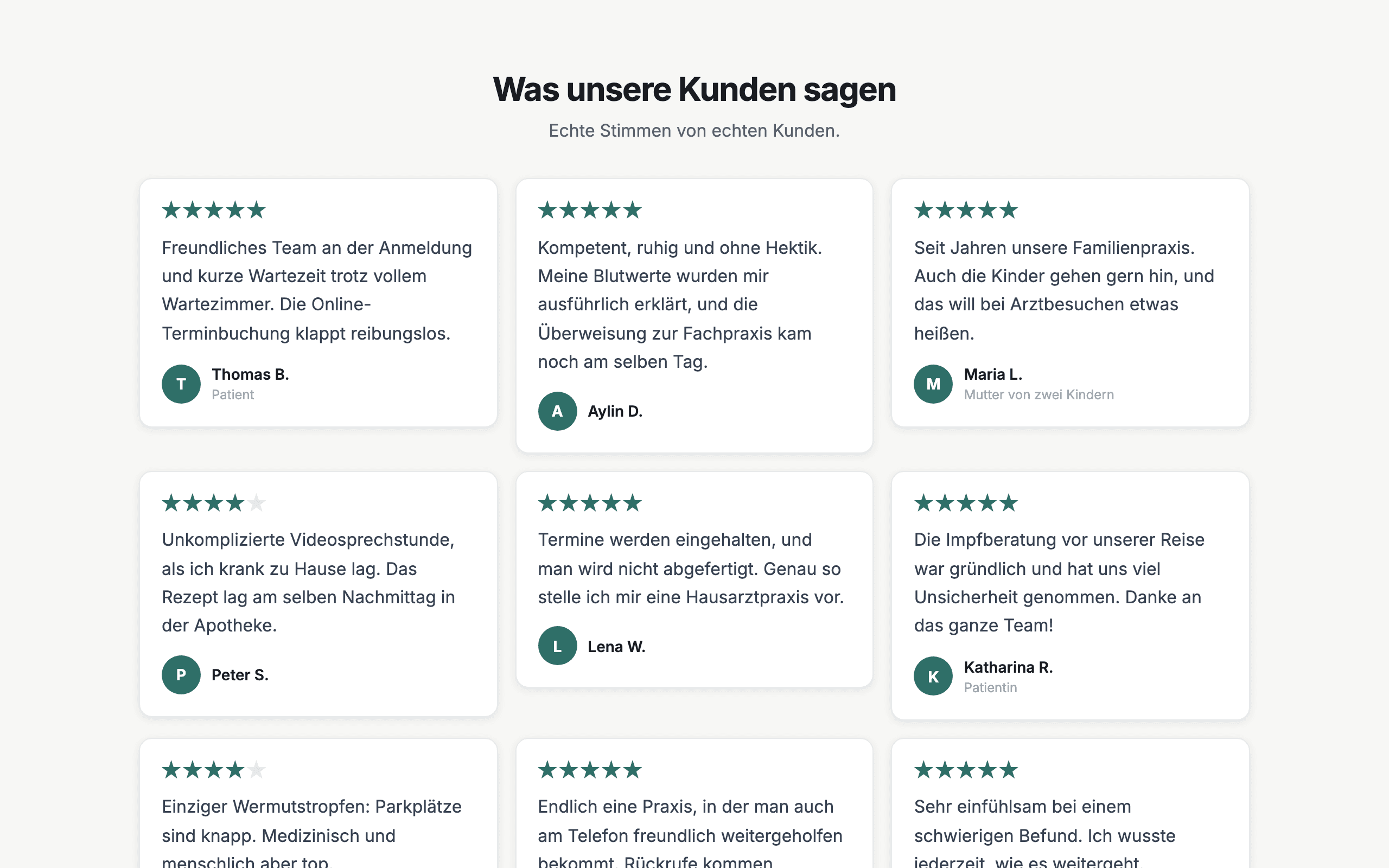
The review wall shows reviews from your form and from Google side by side and suits a dedicated “What our guests say” page.
See the widgetSlider
The slider shows one review after another in little space, for example below the cover photo or next to your menu.
See the widgetWhat you get
- Versioned consent
- Name display of your choice
- Withdrawal by link
- Google import
- QR code for table and counter
- Approval when you want it
- Widgets for your website
- Review wall page to link to
Frequently asked questions
Can I show my Google reviews as well?
Yes. You bring reviews from your Google Business Profile into Mocha and show them in your widgets next to the reviews from your form, marked “via Google”. You can do this by hand on any plan, and on the Pro plan it also runs automatically every day. Google returns only a small selection per request, chosen by Google, and imported reviews carry no consent given through Mocha.
How does the QR code work in a restaurant?
You design the code in the dashboard with your colours and print it as a table stand, sticker, poster or card. A scan opens the form in the smartphone's browser. The code contains only the address of the form, so printed stands stay valid even if you change the questions or the design later. Your logo on the code and a print-ready PDF are part of the Pro plan.
Does Mocha replace Google or Tripadvisor?
No. Mocha complements the portals and does not replace them: your guests keep reviewing where they are used to, and on your own website you additionally show the voices from your Mocha form. Reviews from your Google Business Profile can be imported, but Tripadvisor and other portals cannot be connected. On the Pro plan, the thank-you page shows a button to your Google review page after every review, regardless of the star rating.
Do guests have to appear with their full name?
No. You set the name display to “Full name”, “First name and initial”, “Initials only” or “Anonymous”. Every guest can also hide their name on their own review. With “Initials only” and “Anonymous”, Mocha shows no photo publicly either.
Where is the data stored?
The application and database run on servers in Germany (Hetzner). Photos and videos are stored by the EU provider Bunny.net. For emails and AI features, the content they need is sent to service providers in the USA (Resend, Anthropic); the details are in the privacy policy. Every guest explicitly consents before sending.
What happens if a guest wants to take their review back?
Guests who give an email address receive a personal withdrawal link. With it they withdraw their consent, and the review no longer appears in any widget. The log still shows when consent was given and when it was withdrawn. Mocha is not legal advice.
Start with a form that takes your guests seriously.
Free and without a credit card. You set up the form and the QR code in one go.
Start for free